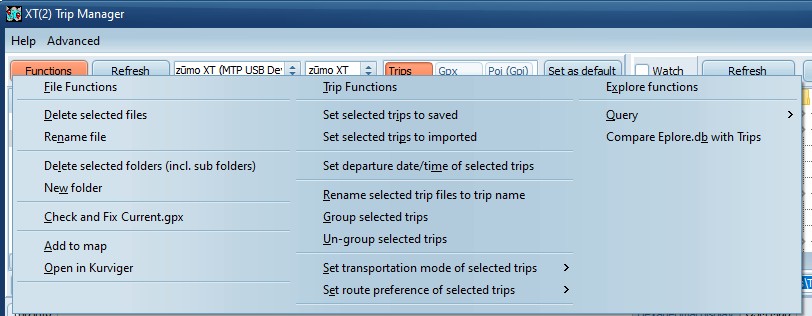
Set selected trips to
saved/imported
To Prevent RUT.
Saved trips (Fixed) are shown with a checkbox.
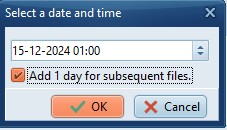
Set Departure date/time of selected
trips
Can be used to sort the trips on the Zumo.
Will show a dialog where you can select a date/time to use for
the first trip. Optionally all subsequent trips get the next
day.
Rename selected trip files to trip name
Normally all files are assigned a (meaningless) number as file
name. This allows you to rename the files to the trip
name.
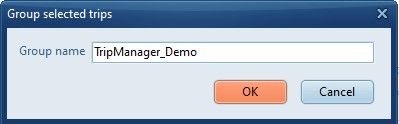
Group/Ungroup selected trips You can
use this to group trip files. EG group x trips from a multi-day
trip. (XT only)
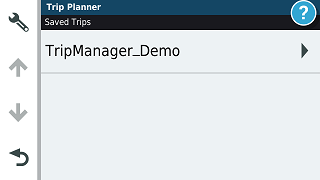
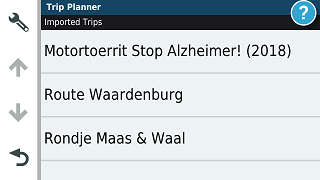
Will result in a group name in the Trip
Planner with a >. Click that to show the trips
within.
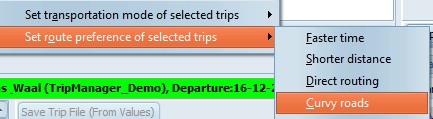
Set transportation mode If you change
this, it will force recalculation!
Set Route preference If you change
this, it will force recalculation!