(This document assumes
you are using V1.5.0.320, or later)
Symptom
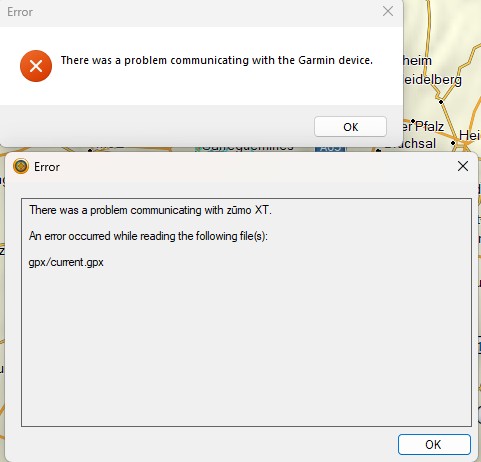
When using TripManager to send GPX files
as trips to the Zumo the following error can be observed when
starting BaseCamp.
Cause
While it is possible that there are other
causes, it is likely that not all trips sent to the Zumo have
been calculated. Calculation happens automatically the first
time you open a trip in the trip planner. (Or route in the
route planner for an XT2, XT3) If a trip has been transferred
to the Zumo, but it has never been opened it is said to be
uncalculated, and can cause the error.
What is exactly wrong with current.gpx?
This can get a bit technical, skip if you
like.
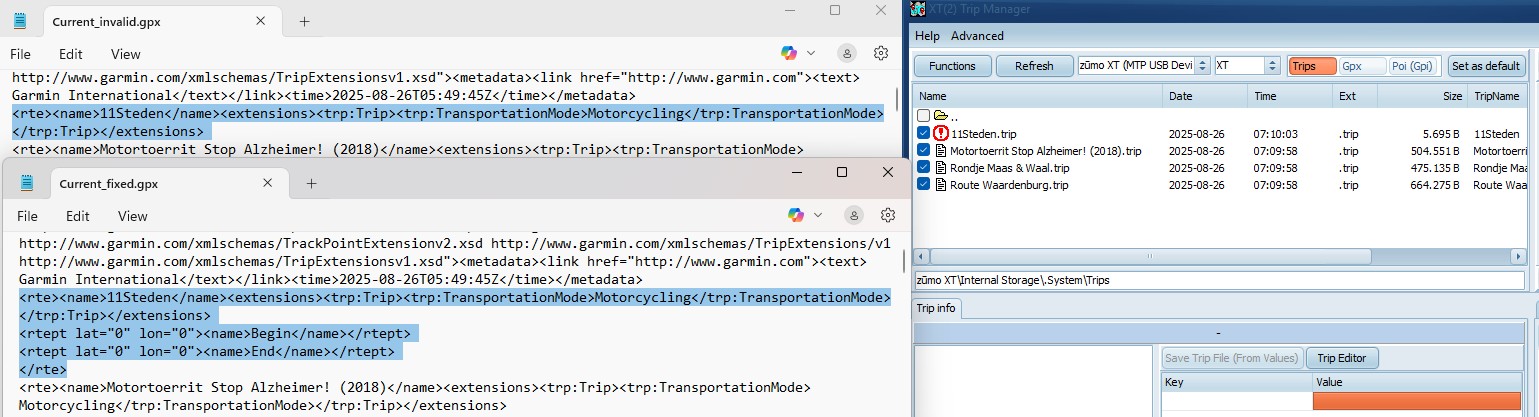
Every <rte><name> node in the GPX
should be closed by a </rte>. In the screenshot above
where ’11Steden.trip’ has not been calculated, there is no
closing </rte> tag for the trip. In the lower portion,
that has been fixed, there is one. Also added are 2 dummy
<rtept>.
Note: The file current.gpx is recreated
automatically every time the Zumo is started in FileTransfer
mode. The process that handles this does not cope well with
uncalculated trips.
Identifying the uncalculated trips
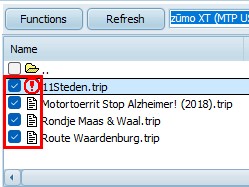
In the device file list the uncalculated trips
are prefixed with an exclamation mark. Using the default sort on
Filename, these trips will always be on top of the
list.
Fixing the problem
There are a few solutions.
1) Using the Zumo
· Remove the uncalculated trips from the Zumo if they are
not needed.
· If
they are needed, opening them in the Trip planner will start
the calculation.
The downside is that you first need to reboot
the Zumo in normal mode, remove, or calculate the trips. Then
reboot again in FileTransfer mode.
2) Using TripManager
You can also remove the trip files with
TripManager, but there have been reports that trips will
sometimes reappear. So it is recommended to delete trips on the
Zumo. Besides you still need to reboot.
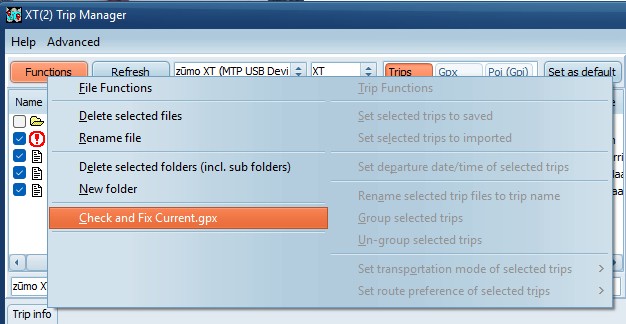
If you want to be able to start BaseCamp
without rebooting the Zumo you can use the function Check
and Fix Current.gpx. (You still need to fix the
uncalculated trip at some point, or the error will popup again
next reboot.)
Click on Check and Fix
Current.gpx
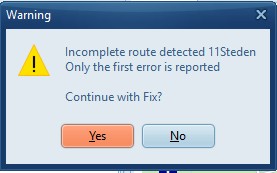
If any errors exist TripManager will report
the first one.
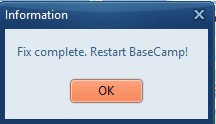
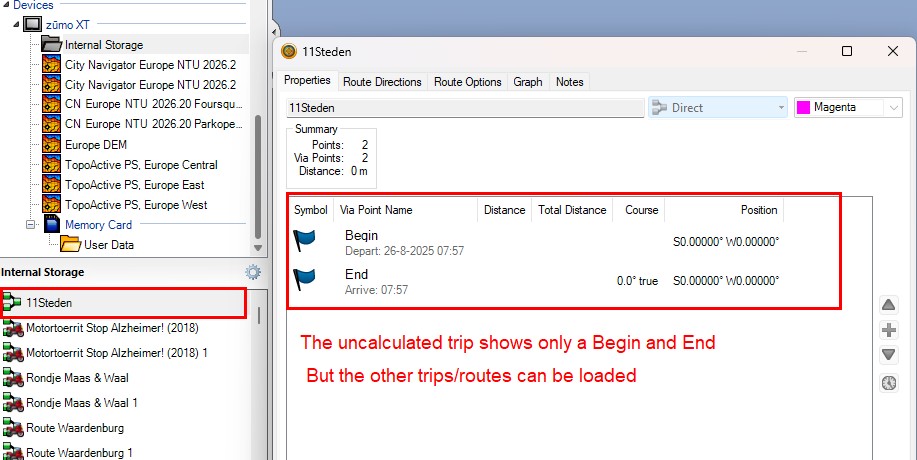
Current.gpx has been fixed, and saved on the
device. BaseCamp should now start without errors. The
uncalculated trips will only have a Begin and End point with
gps coordinates <0, 0>
Preventing the problem
It is recommended to open all transferred trip
files on the Zumo, or remove if not needed. Pay attention to
the exclamation mark in front of the trip files.
Starting with TripManager V1.5.0.320 the data
that can be found in the <subclass> nodes of GPX files
can be written to the trip files to prevent the error. Only if
the GPX file(s) are created and calculated by BaseCamp
the <subclass> will be available.
Note that in this case the trip will be still
be calculated when first opened, and thus will have an
exclamation mark in the file list.
Sample Subclass:
<gpxx:rpt lat="51.623661518096924"
lon="5.889937877655029">
<gpxx:Subclass>03000A67AB012E0002001F001A00C8634E00</gpxx:Subclass>
</gpxx:rpt>