Which models are meant?
If the MTP device manufacturer is identified
as ‘Garmin’, but it is not a model
known to support trip files (Eg: Zumo XT, Zumo XT2, Zumo XT3 or
Tread 2) TripManager assumes it is this type of device.
Note: Garmin Edge is a special case, not
covered here.
These devices don’t use .trip files, but
sending GPX and GPI files is supported. They typically use a
drive letter and are not native MTP, but TripManager is able to
read/write in a MTP-like fashion. TripManager assumes this
default directory structure on the device, but that can be
changed using the Set Default button.
|
\Garmin
|
Contains GarminDevice.Xml that
TripManager uses to get the Device Name
|
|
\GPX
|
Can be used to store GPX files with your
routes, tracks and waypoints.
|
|
\POI
|
Contains GPI files with Points Of
Interest.
|
Only Zumo's 220, 660, 346, 350, 390, 590 and
595 are tested, but it is my belief that it will work for other
Zumo's also. Also tested is a Dakota 20, so handheld models may
work also.
Setup:
· Connect the device.
· In
TripManager select the device, if not automatically
selected.
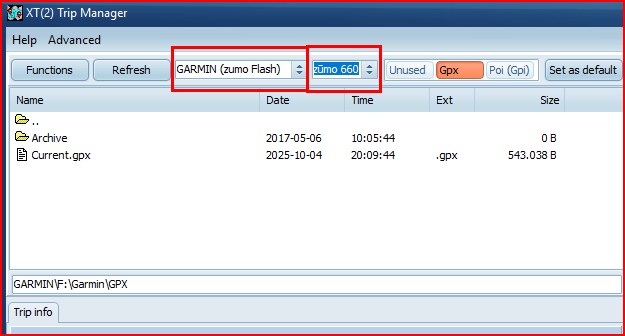
· The model should be selected automatically, and contain
the specific device name. (Eg Zumo 660)
· The preset Trips is disabled and renamed to
Unused.
· Select the GPX preset and verify it points to the GPX
folder on the device. If not navigate to the correct folder and
Click on Set Default.
· If
you want to use GPI files do the same for the POI (GPI)
preset.
· Next time the device is connected, TM should detect
it.
Send to:
· As
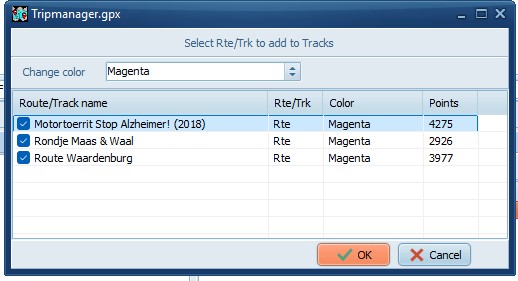
with the XT(2)(3) you start with a GPX that contains one or
more routes, or tracks/way points, to send your routes/way
points/tracks to the Zumo.
· If
the GPX contains BaseCamp calculated routes, it can create a
track automatically.
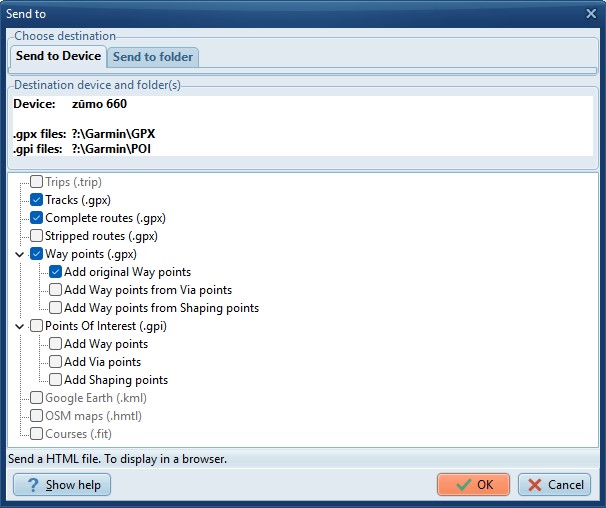
· Using the Send To button, the option 'Trips' is not
available, all other functions work.
Advised method:
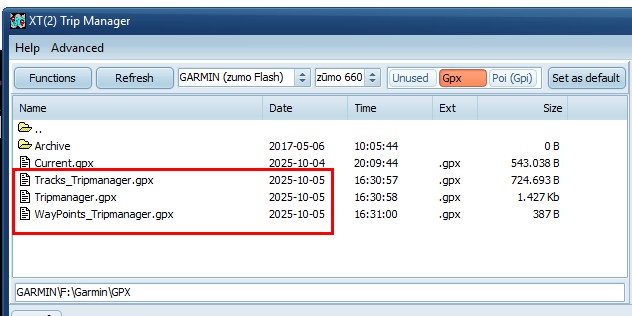
· Send a GPX as either 'Stripped' or 'Complete'.
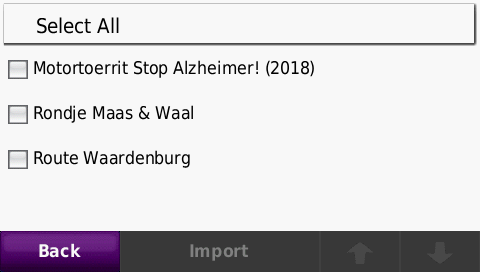
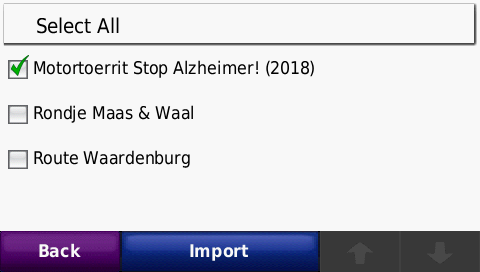
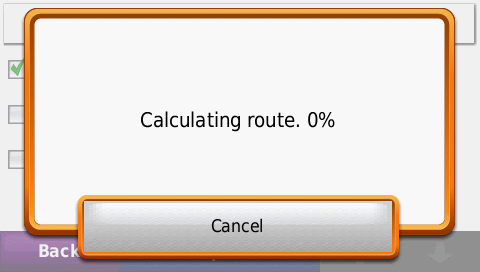
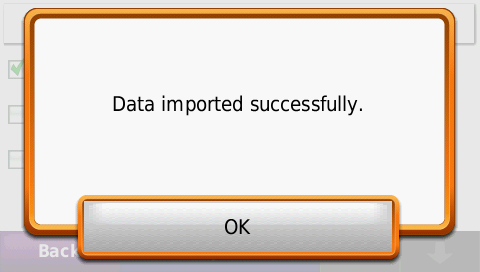
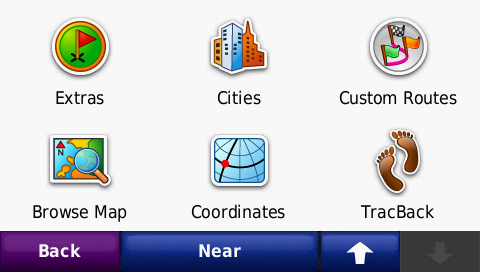
· When rebooted, click yes to import. After calculation, it
should be listed.
· Deleting Routes/Triplog’s etc should be done on the
device. You can however delete the GPX file from the device
using TripManager.
Screenshots TripManager
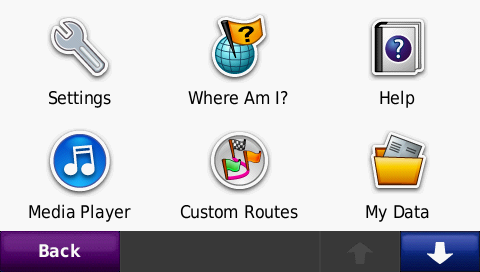
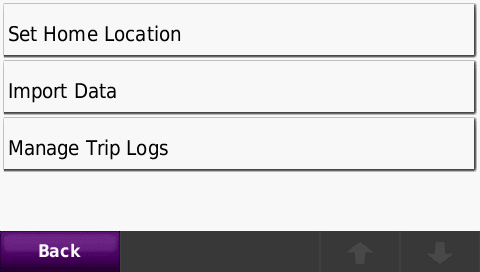
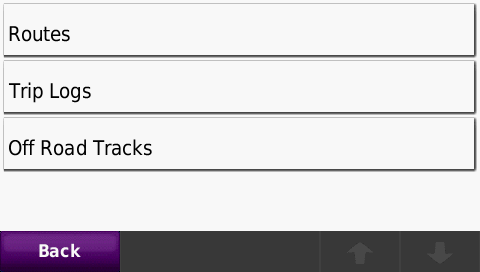
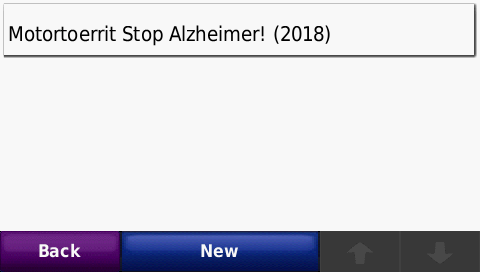
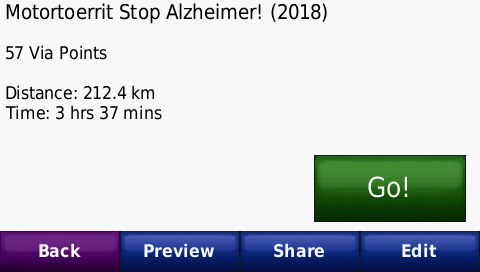
Screenshots Zumo 660