| Previous Top |
VehicleProfileHash XT3
|
|
1. Execute SQL statement to get the data
from the active profile
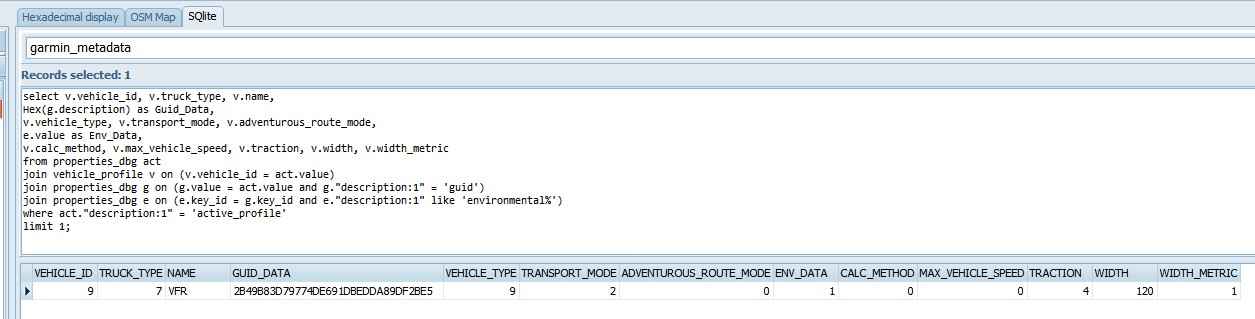
select v.vehicle_id, v.truck_type,
v.name,
Hex(g.description) as Guid_Data,
v.vehicle_type, v.transport_mode,
v.adventurous_route_mode,
e.value as Env_Data,
v.calc_method, v.max_vehicle_speed,
v.traction, v.width, v.width_metric
from properties_dbg act
join vehicle_profile v on (v.vehicle_id
= act.value)
join properties_dbg g on (g.value =
act.value and g."description:1" = 'guid')
join properties_dbg e on (e.key_id =
g.key_id and e."description:1" like
'environmental%')
where act."description:1" =
'active_profile'
limit 1;
|
Fields Vehicle_Id, Truck_Type, Name,
GUID_Data are copied into the corresponding items.
Fields Adventurous_Route_Mode, ENV_Data,
Calc_Method, Max_Vehicle_Speed, Traction, Width,
Width_Metric are needed to compute the hash
Results:
Adventurous_Route_Mode: 0
ENV_Data: 1
Calc_Method: 0
Max_Vehicle_Speed: 0
Traction: 4
Width: 120
Width_Metric: 1
|
|
2. Lookup the 'base value' in the table
'KnownXT3Hashes, using the fields Calc_method,
Adventurous_Route_mode, and Traction.
KnownXT3Hashes: array[0..6] of
TKnownHash = (
(CM:
cmFaster;
HashT2: $0A4F0000; HashT3: $0A1F0000),
(CM:
cmShorter;
HashT2: $07E00000; HashT3: $07D00000),
(CM:
cmStraight;
HashT2: $079B0000; HashT3: $07CB0000),
(CM: cmAdv; AdvLvl:
advL1; HashT2: $0A4A0000; HashT3:
$0A1A0000),
(CM: cmAdv; AdvLvl:
advL2; HashT2: $0A7A0000; HashT3:
$0A6AA000),
(CM: cmAdv; AdvLvl:
advL3; HashT2: $0AAA0000; HashT3:
$0A3AA000),
(CM: cmAdv; AdvLvl:
advL4; HashT2: $0A5A0000; HashT3:
$0A0AA000)
);
|
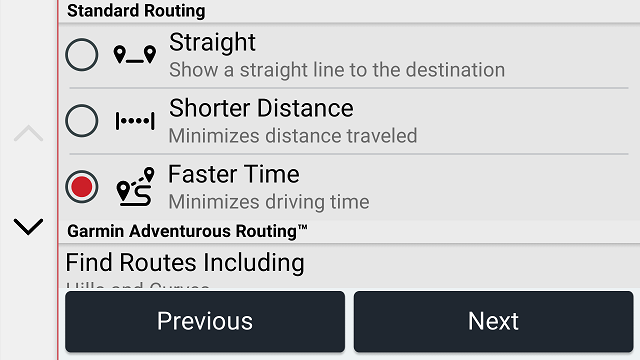
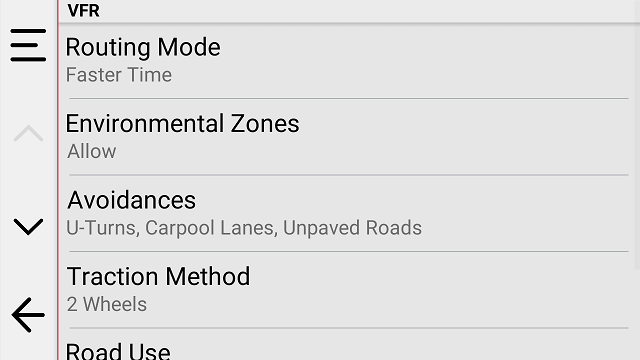
Calc_method 0 means:
Faster
See: TProfCalcMethod = (cmFaster =
0, cmShorter = 1, cmStraight = 4, cmAdv = 7);
Note: for Faster Adventurous_Route_mode
is not used.
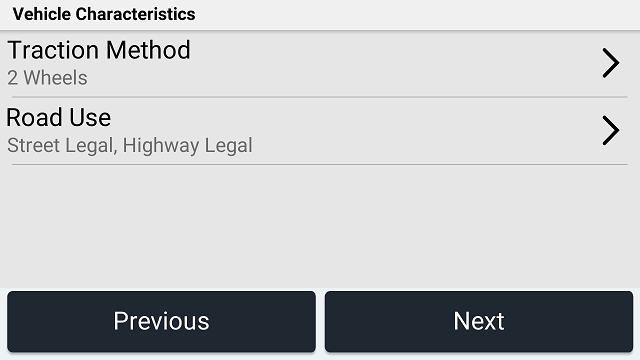
Traction 4 means: 2 Wheels
traction
See: (tr3Wheels = 3, tr2Wheels =
4);
Note: the Values for Tr3Wheels are only
valid for the default of 120, or 122
The lookup gives the base value:
$0A4F0000
|
|
3. Use the value Env_Data to 'or in' the
value for 'Environmental'.
KnownXT3Environments:
array[TProfEnvironment] of Cardinal =
($0000B000, $0000A000,
$00009000);
|
Env_data 1 means: Allow
See:TProfEnvironment = (enAvoid = 0,
enAllow = 1, enAsk = 2);
$0A4F0000 or $0000A000
Results in:
$0A4FA000
|
|
4. Use the value
Max_Vehicle_Speed, to complete the
calculation.
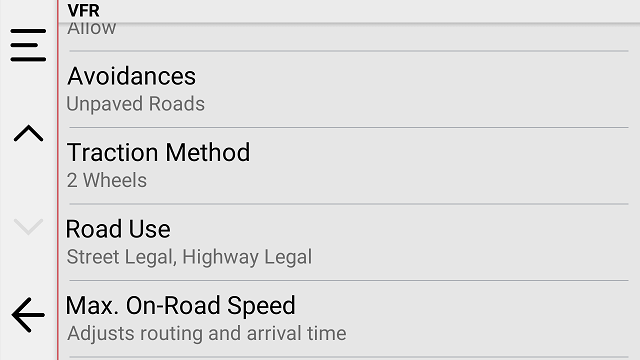
Background info. The value
Max_Vehicle_Speed in the Vehicle
profile is expressed as Meters/Sec. In the Sample data
Max_Vehicle_Speed = 0, meaning no restriction. See
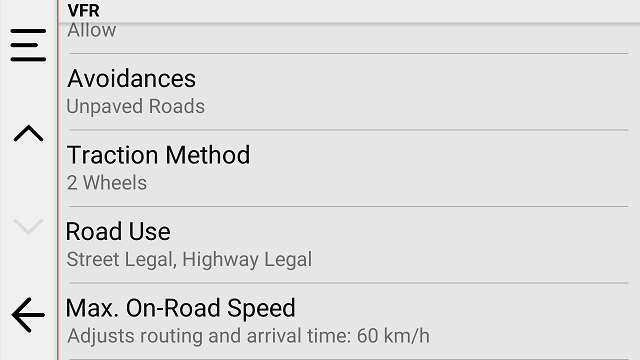
below for an example of max speed 60 kmh.
Step 1: Write the value as 3
nibbles.
0 = > 0x000
|
|
|
Nibble1: 0. Add this to the 2nd Nibble
of HashValue: $0A4FA000
Note: Need values 90kmh or higher for
this to occur.
|
$0A4FA000 +
0=$0A4FA000
|
|
Nibble:2 0. Use the lookup table
Speed2TabMetric/Imperial and or that value to the 6th
Nibble: $0A4FA000
// 0=f 1=e 2=d
3=c 4=b 5=a 6=9 7=8
8=7 9=6 a=5 b=4 c=3
d=2 e=1 f=0
Because Width_metric = 1, we need
to use the Metric table
|
$0A4FA000 or f = $0A4FAF00
|
|
Nibble:3 0. Use the lookup table
Speed3TabMetric/Imperial and or that value to the 7th
Nibble: $0A4FA000
// 0=2 1=3 2=0
3=1 4=6 5=7 6=4 7=5
8=a 9=b a=8 b=9 c=e
d=f e=c f=d
Because Width_metric = 1, we need
to use the Metric table
|
$0A4FAF00 or 2 = $0A4FAF20
|
|
4. 60 kmh example.
60 kmh corresponds to 166 m/sec
in the vehicle profile.
166 => 0x0a6
|
|
|
Nibble1: 0
|
$0A4FA000 +
0=$0A4FA000
|
|
Nibble2: a => 5
// 0=f 1=e 2=d
3=c 4=b 5=a 6=9 7=8
8=7 9=6 a=5 b=4 c=3
d=2 e=1 f=0
|
$0A4FA000 or 5 = $0A4FA500
|
|
Nibble:3 6 => 4
// 0=2 1=3 2=0
3=1 4=6 5=7 6=4 7=5
8=a 9=b a=8 b=9 c=e
d=f e=c f=d
|
$0A4FA500 or 4 = $0A4FA540
|
|
|
|
|
|
|
|
|
|
|
|
|
|
|