By default file names of trips consist of a 10
digit number. This is believed to be some kind of time stamp,
anyway it’s not very meaningful. The trip names are often more
meaningful. Performing these steps can rename the files to the
trip names.
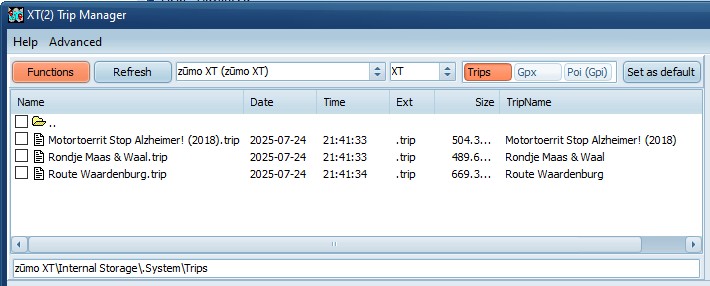
· Connect the XT(2)(3) and start TripManager.
· Make sure the preset ‘Trips’ is chosen.
· Select all files you want to rename. (CTRL+A for all
files)
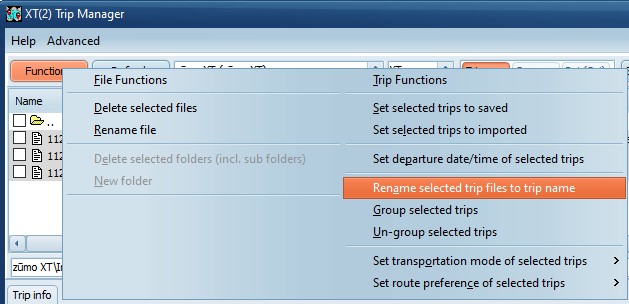
· Choose Function/Rename selected trip files to trip
name.
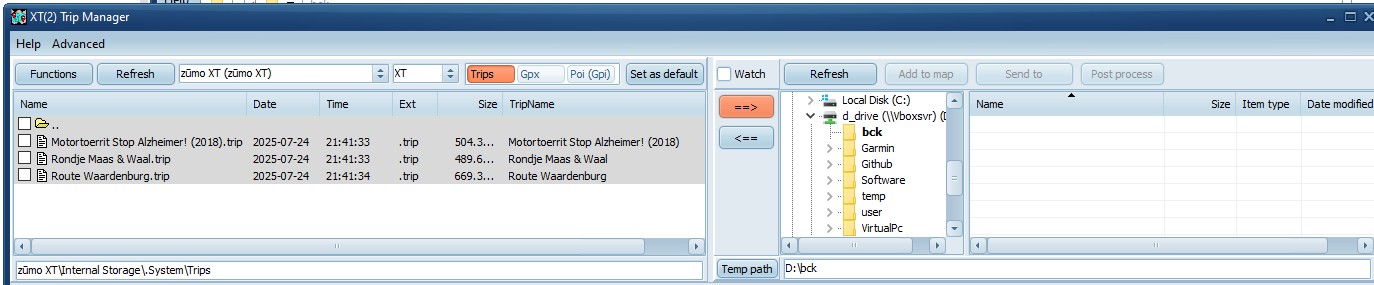
Tip: Using the button ==> you can backup
the trip files to your computer.
Note: Starting with TripManager V1.5 the
TripName will also be shown in the device file list.