| Previous Top Next |
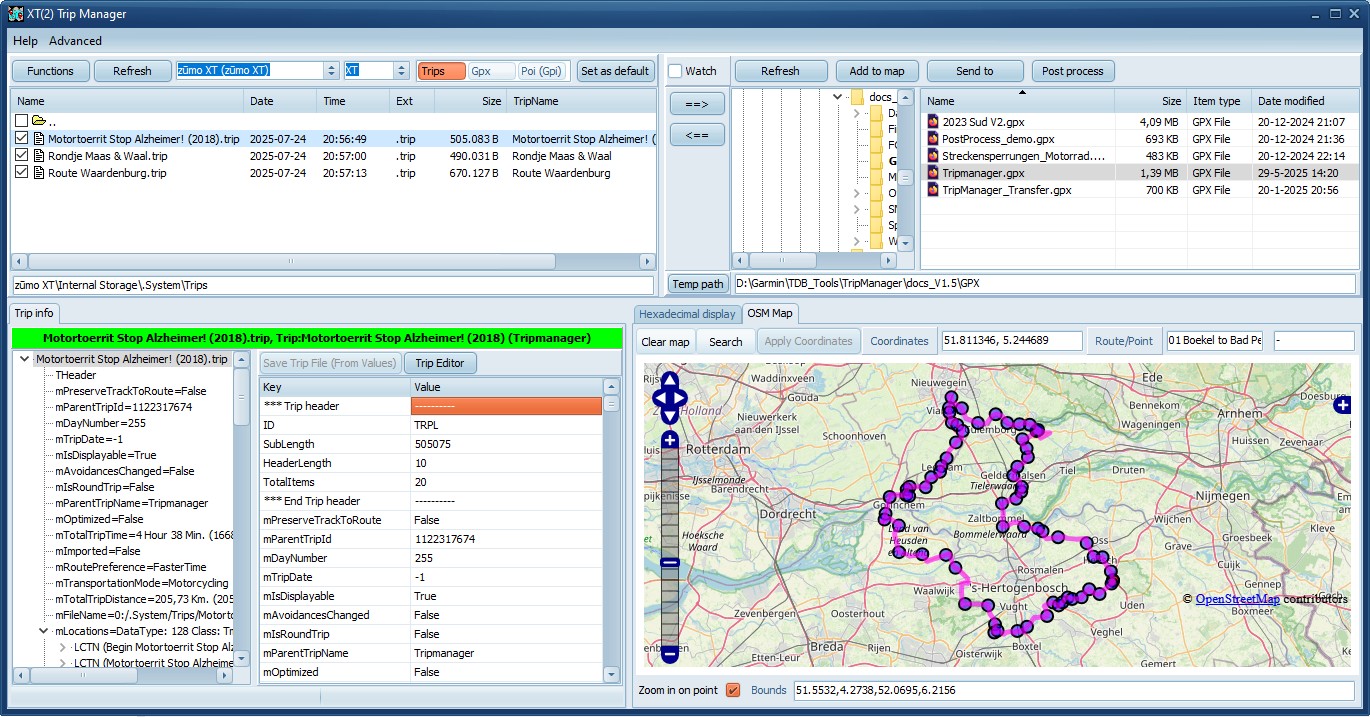
Overview
|
|
|
|
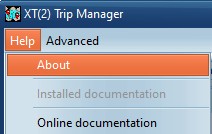
Help/About
Shows the Version.
Help/documentation
Opens a link to the Installed
documentation (if selected during install)
Opens a link to the Online
documentation
|
 |
|
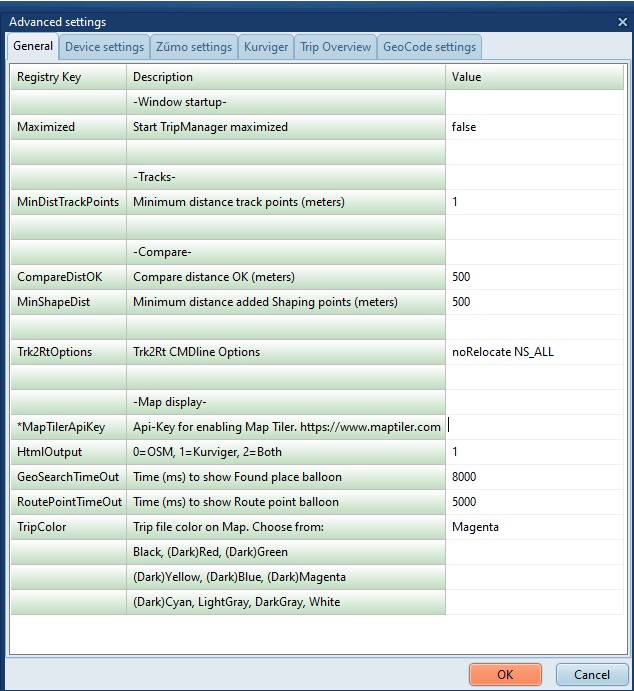
Advanced/Settings
Opens a dialog where you can view/edit
TripManager settings.
· General
· Device settings
· Zumo settings
· Kurviger
· Trip Overview
· GeoCode settings.
· Enabling GeoCoding needs to be done on this tab,
where you should enter an Api_key
|
 |