Whenever you select a trip file, from
the Device file list, or Windows file list, it is
automatically loaded in the trip info.
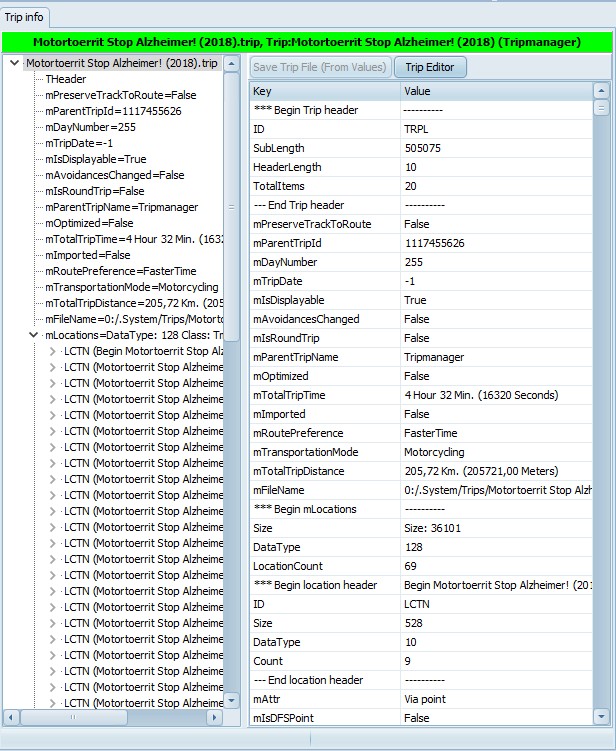
The file name and trip
name is shown in a Green
bar if it was loaded from
the device,
in Aqua if loaded from
Windows.
If you make modifications and press
Save Trip File the trip file is saved from where
it was loaded.
On the left you see a Tree view of all
the data items in the trip.
Selecting a node filters the
grid.
In the grid you can modify all basic
data types. The button Save Trip File is only
enabled when changed were made. If you click on it you
will get a prompt ‘Saving the trip file will force
recalculation. OK?’
Selecting a Node, or a line in the grid,
will also update the Hexadecimal view and the Map view on
the Bottom Right.
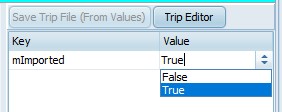
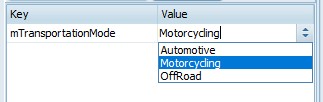
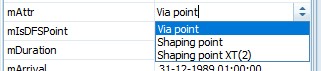
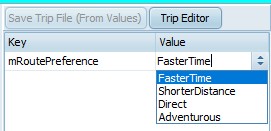
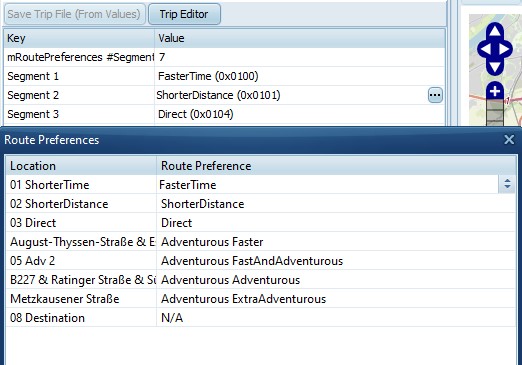
Depending on the type of item shown in
the grid a dropdown, or context menu can be
selected.